![MetaOptima Logo.png]](https://help.dermengine.com/hs-fs/hubfs/External%20Marketing%20Resources%20Folder/Logos/MetaOptima%20Logos/MetaOptima%20Logo.png?height=40&name=MetaOptima%20Logo.png)
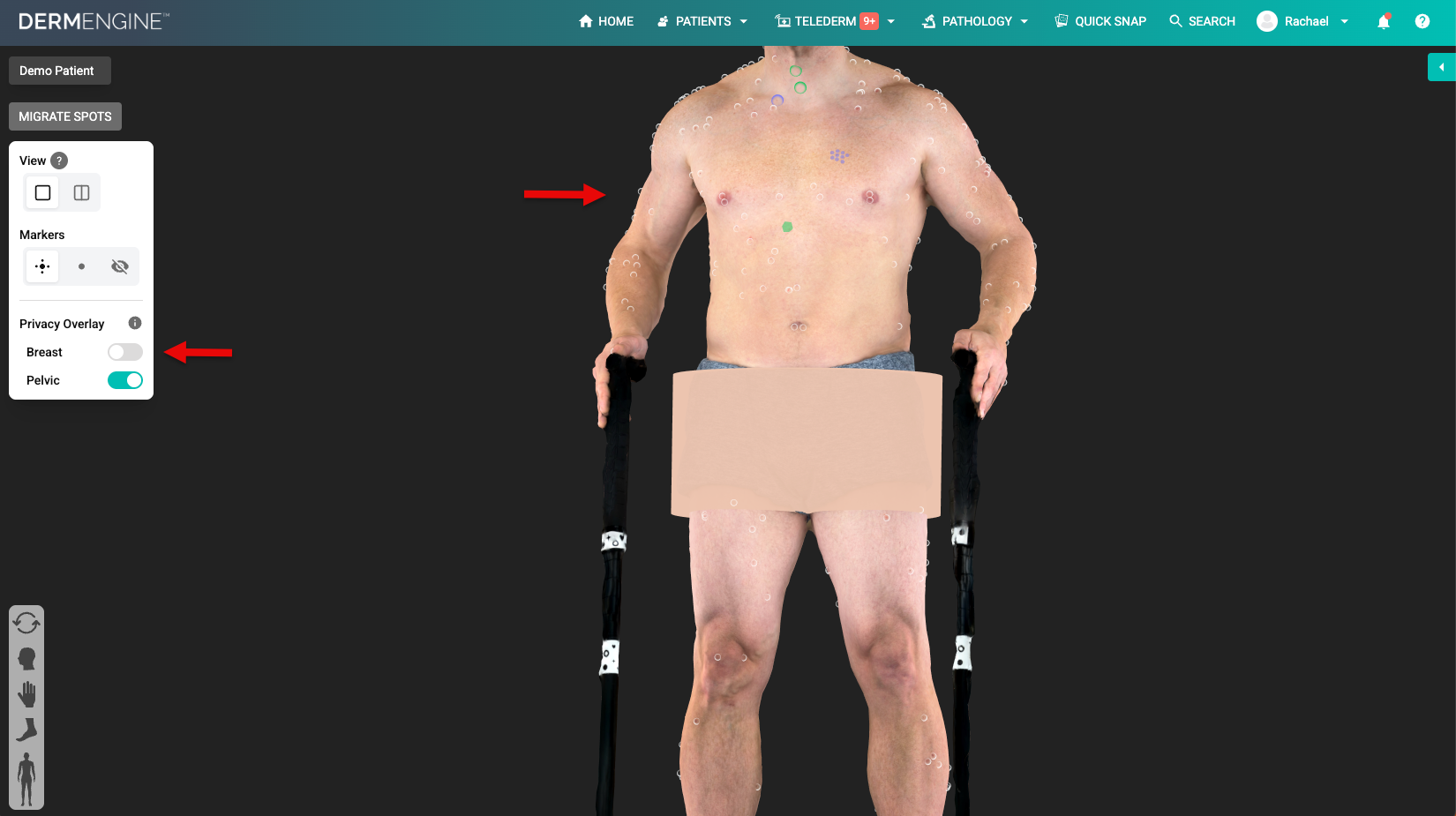
The privacy overlay feature covers the sensitive areas of a patient's 3D model. By default, it is toggled ON. To toggle it OFF, follow the instructions below:
- You will see the privacy overlay settings in the view card.
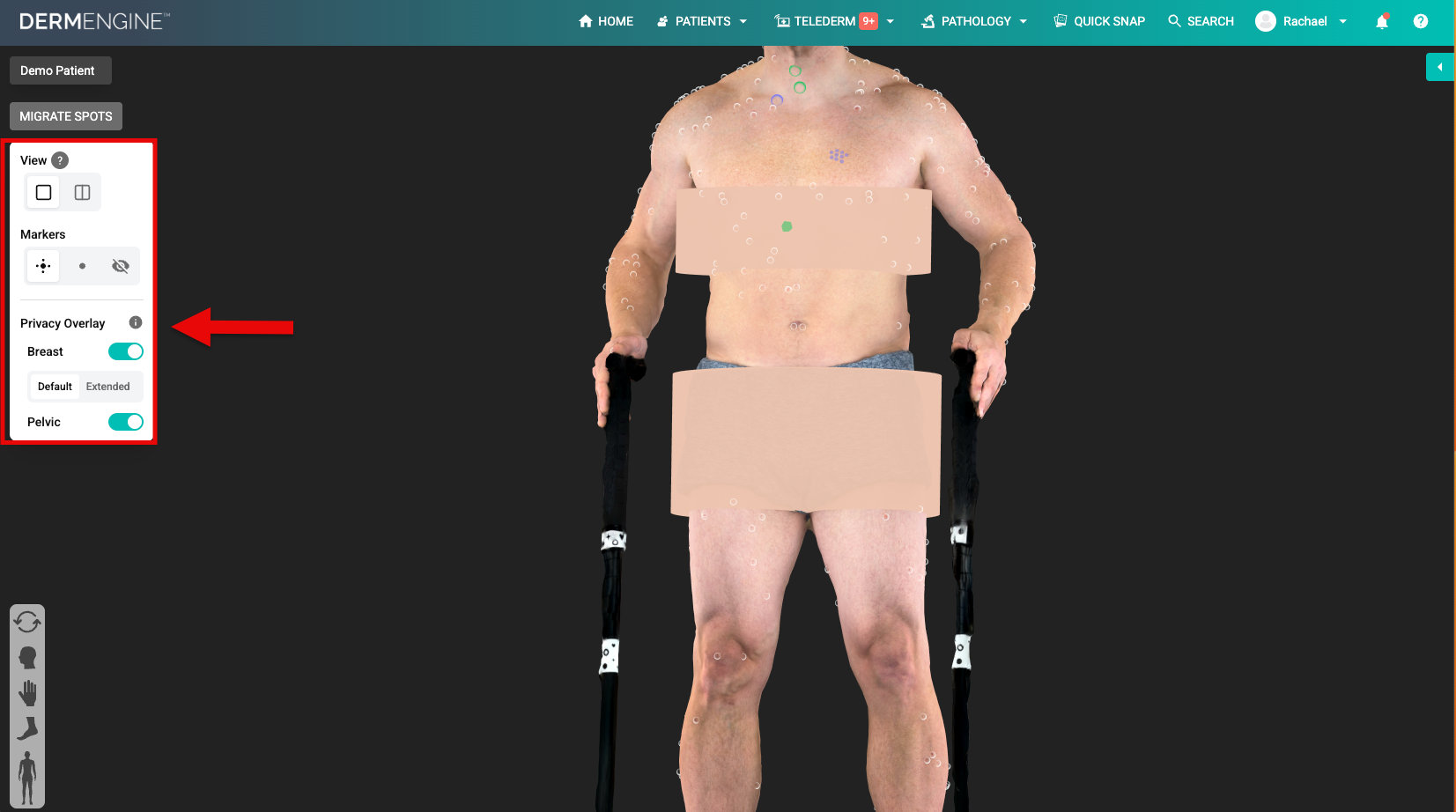
- For males, the privacy overlay covers the pelvic region. For females and others, it will cover the breast and pelvic.
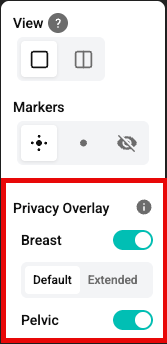
- To toggle one off, simply press it OFF.