![MetaOptima Logo.png]](https://help.dermengine.com/hs-fs/hubfs/External%20Marketing%20Resources%20Folder/Logos/MetaOptima%20Logos/MetaOptima%20Logo.png?height=40&name=MetaOptima%20Logo.png)
When you generate a 3D model, all existing spots from the previous models will transition over to the newest model. Most spots are mapped automatically, however, some will a require manual review.
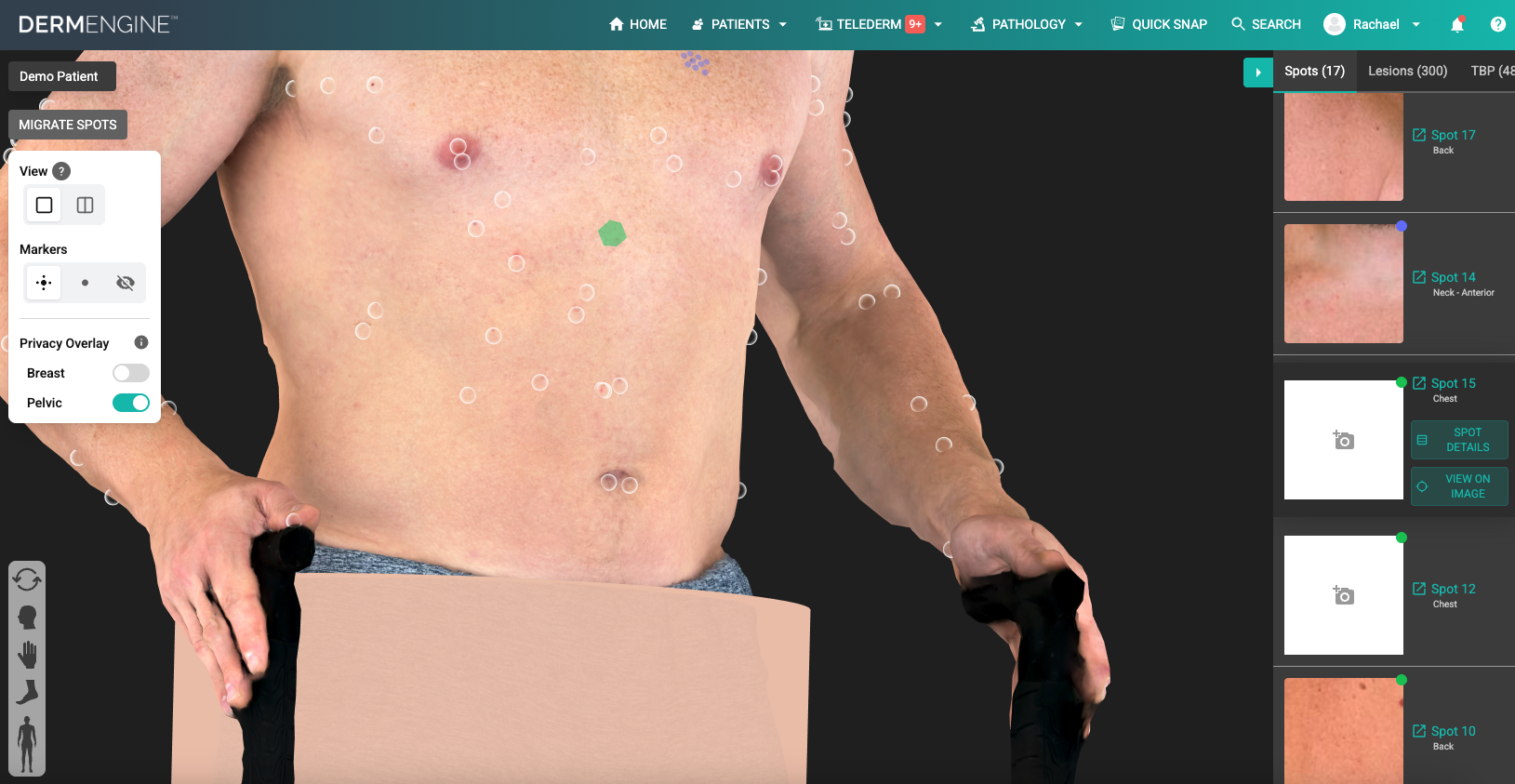
- After generation, check the 3D model. If a spot appears as a green hexagon, it means its mapping confidence is low and requires a manual review.
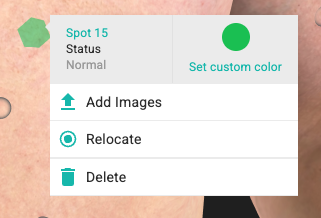
- Right-click on the hexagon. Press 'Relocate' or 'Delete' for the appropriate decision.